Free · Print at home

Print a calibration pad, measure in cm².

Petiole Pro finds the pad's eight ArUco markers in your photo and uses them to turn pixels into square centimetres. Print one on an office printer, place it next to the leaf, and measure. No account, no email, no cost.
The Petiole Pro calibration pad for leaf area and greenness, as it prints on one sheet.
One sheet, eight markers: the app turns pixels into centimetres.

Choose your pad

Four pads, each one page

Every pad carries the same eight markers, so each one gives you leaf area in cm². They differ in what else they add, and in size.

Free download · PDF

A4 first, US Letter beside it where there is a Letter version.

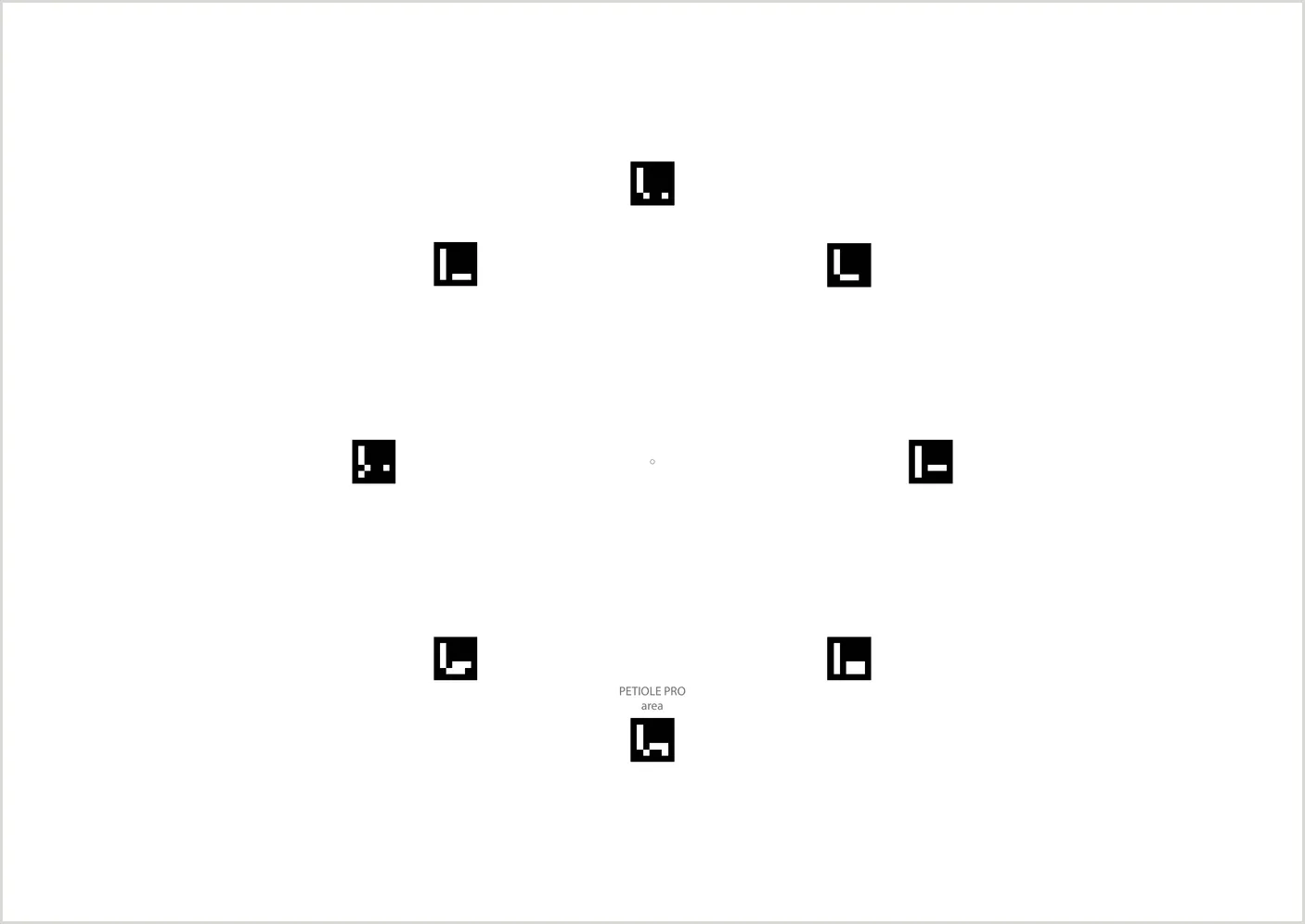
Calibration pad for leaf area: eight ArUco markers in a circle on an A4 sheet.
Most used
Leaf area

Calibration pad for leaf area

  • MeasuresLeaf area in cm²
  • PageA4 landscape
  • Markers8 ArUco

On US Letter, print the pad for leaf area and greenness: it measures leaf area just the same.
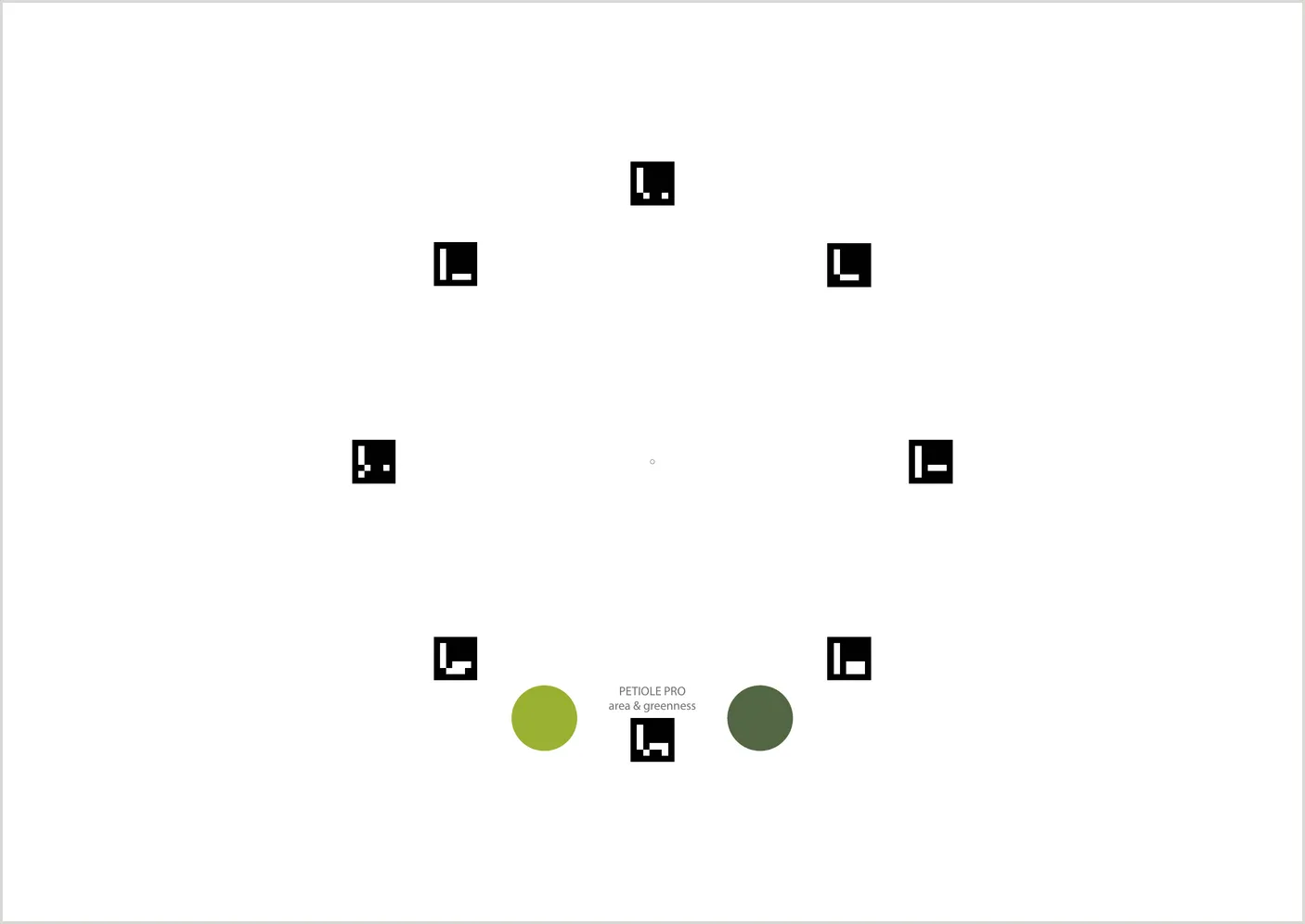
Calibration pad for leaf area and greenness: eight ArUco markers and two green colour references.
Free PDF
Leaf area & greenness

Calibration pad for leaf area and greenness

  • MeasuresLeaf area and greenness
  • PageA4 or US Letter
  • Markers8 ArUco + 2 green references
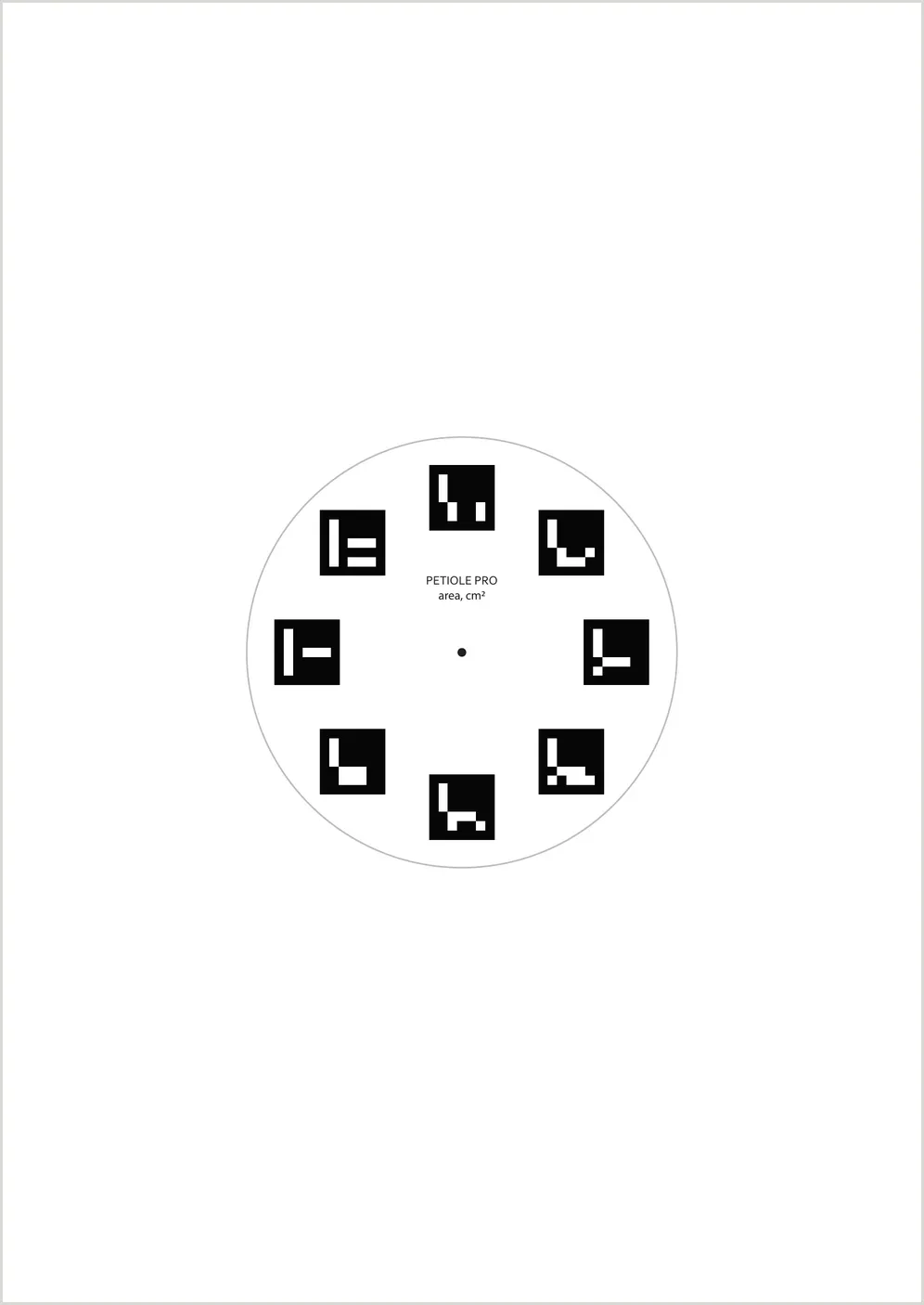
Small calibration pad: a compact round pad with eight large ArUco markers.
Free PDF
Small leaves

Small calibration pad

  • MeasuresLeaf area in cm²
  • PageA4 portrait, or two to a US Letter sheet
  • Markers8 ArUco, enlarged
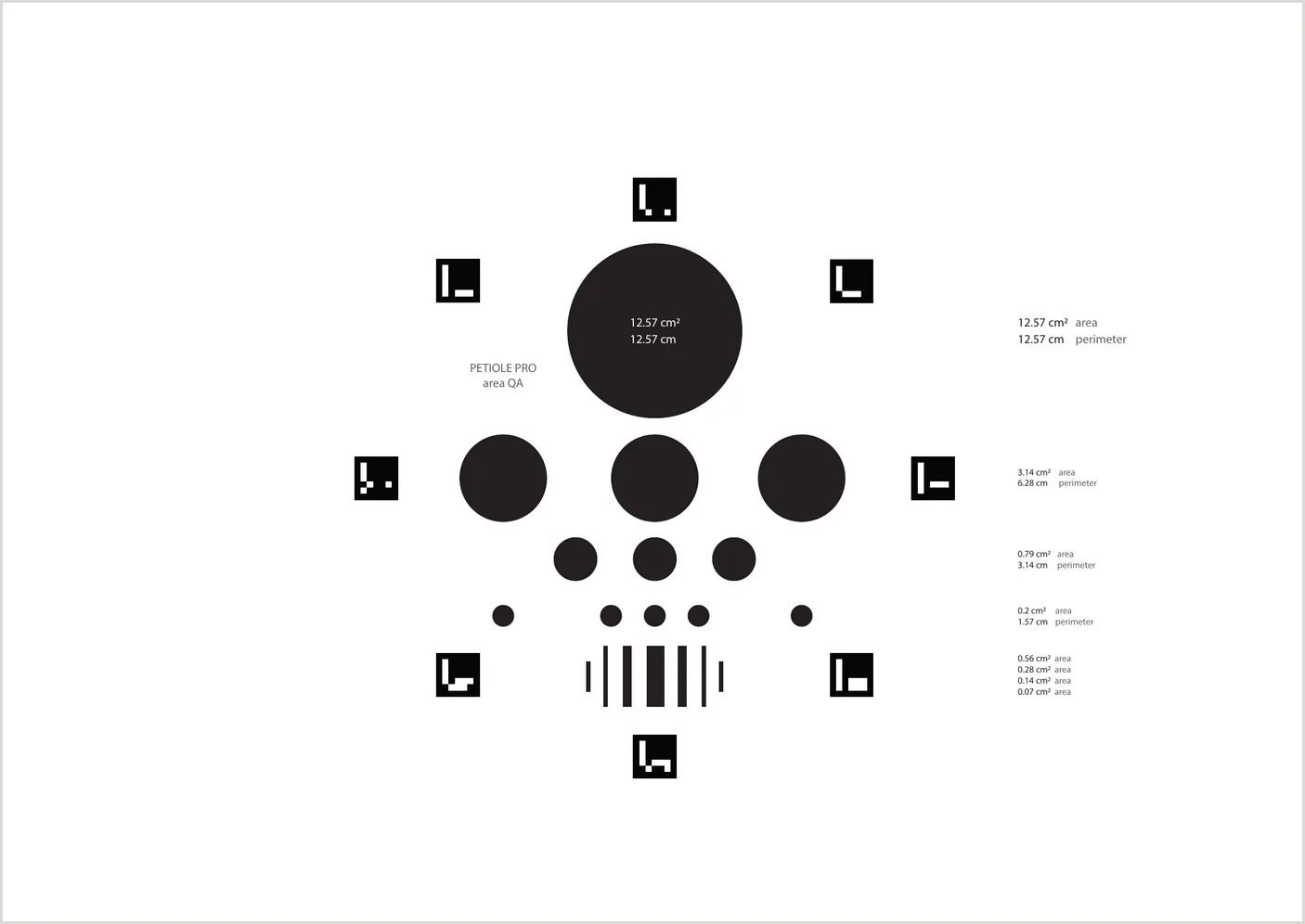
Accuracy check pad: black circles and bars of known area, from 12.57 cm² down to 0.07 cm², inside eight ArUco markers.
Free PDF
Accuracy check

Accuracy check pad

  • MeasuresShapes of known area
  • PageA4 or US Letter
  • Shapes12.57 cm² to 0.07 cm²

Not sure which one? Start with the pad for leaf area. Add the greenness pad when you also measure leaf colour, the small pad for small leaves photographed close up, and the accuracy check pad to test your setup: photograph it and compare what the app reads with the area printed beside each shape.

Before you measure

Print it at its true size

A pad is only a valid reference if it comes off the printer at its real size.

  1. Print at 100% In the print dialog choose “Actual size”, and turn off “Fit to page” and “Shrink oversized pages”. Any scaling changes the result in cm².
  2. Use matte paper Plain white office paper. Glossy paper reflects light and can hide the markers behind glare.
  3. Keep it flat Tape or glue the sheet to card, foam board or a clipboard, so it cannot curl or bend in the wind.
  4. Check the markers All eight complete, sharp and fully black. Reprint when the sheet gets creased, wet or faded.

Then put the pad in the same photo as the leaf, flat and in the same plane, with all eight markers in view. The guide Do I need a calibration plate? shows how to place it, and the mistakes to avoid.

For regular work

Measuring every week?

Paper is fine for testing and for the occasional sample, but it wears out in the field. A rigid plate keeps its exact size, stays flat in every photo, and survives a season of handling.

Questions about the calibration pads

Do I need a calibration pad to measure leaf area?
Yes, to get leaf area in cm². Without a pad in the photo, Petiole Pro can still find the leaf, but it can only measure it in pixels: the pad's eight ArUco markers tell the app how large the image is in real life.
Which pad should I print?
The pad for leaf area suits most work. Print the pad for leaf area and greenness if you also measure leaf colour, the small pad for small leaves photographed close up, and the accuracy check pad to test your setup.
Can I print the pads on US Letter paper?
Yes. Three of the four pads have a US Letter version. For leaf area alone on US Letter, print the pad for leaf area and greenness: it gives leaf area just the same.
Why does printing at 100% matter?
The app takes the markers' printed size as its reference. If the printer scales the page, every area it measures is off by the same factor. Choose “Actual size” in the print dialog.
Are the pads free?
Yes. The PDFs are free to download and print, with no account or email. A rigid IP68 plate is sold in the store for regular use.